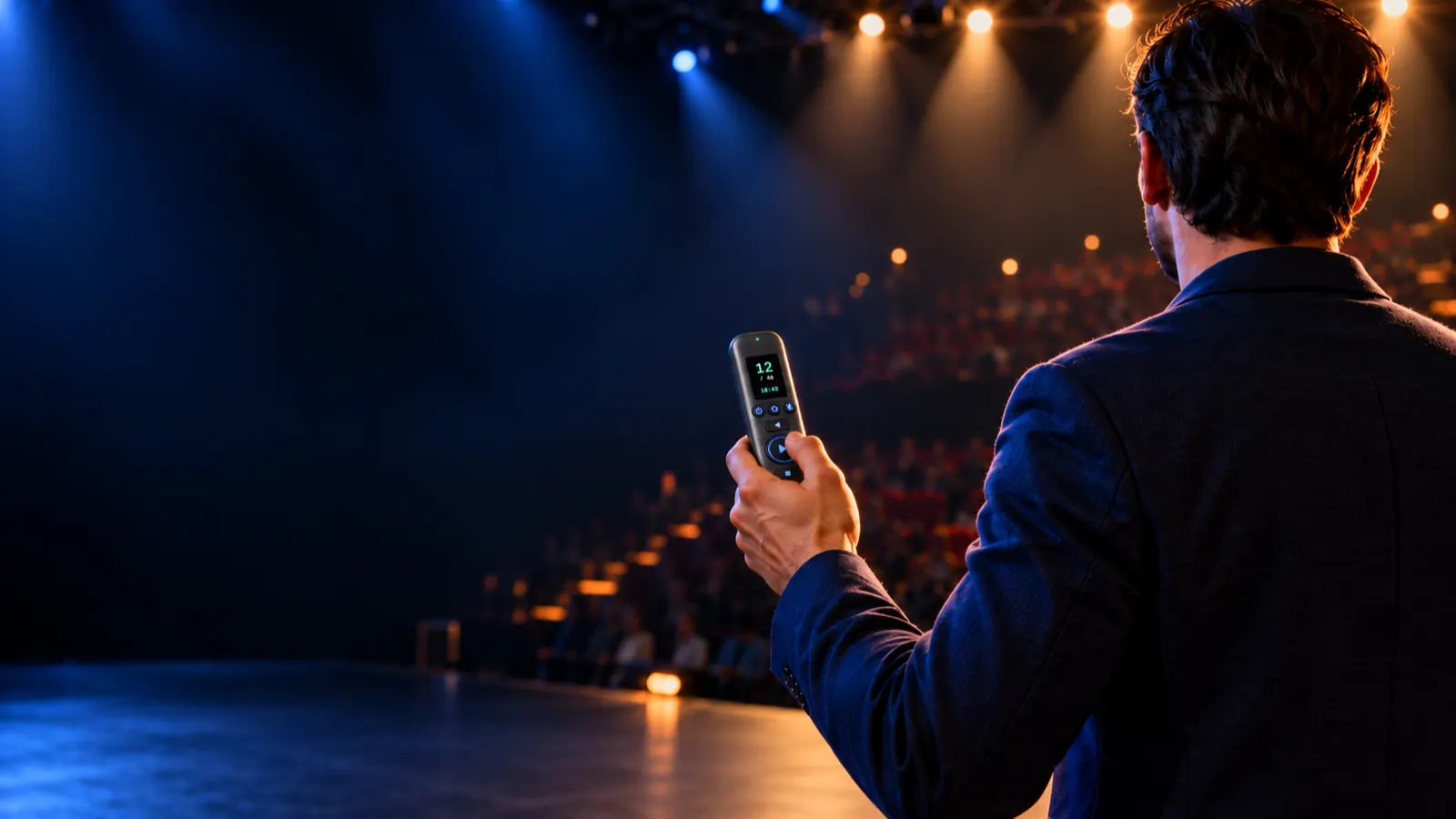
Present from anywhere in the building.
Change slides from the back of the hall, the next room or another floor. Every press is confirmed with a buzz in your hand, so you never turn round to check.
Handheld, Pulpit and Pedal. Fully refundable until it ships.
The hall, the next room, two floors up.
Ordinary clickers need to see the computer. CueFar uses long-range radio that goes through walls and ceilings, so the stage, the tech booth upstairs and the overflow room all cue the same slides.
From the back row
Walk the aisle, stand among the audience, take questions from the floor.
From the next room
The moderator in the green room cues the opening slides before the speaker walks on.
From the tech booth
The operator upstairs runs the show without a cable down to the stage.
From another floor
An overflow room or a second stage follows along on the same presentation.
Five remotes. One receiver.
Panels, keynotes with a co-host, a worship team: everyone who presents gets their own remote, and they all drive the same computer.
- Any mix. Handheld, Pulpit and Pedal share the same receiver.
- Each one confirmed. Only the remote that pressed feels the buzz.
- Named on screen. Give every remote a name, like "Moderator" or "Stage left".
- No double skips. Two people pressing at once never jump two slides by accident.
One system, three ways to cue.
In your hand, on the lectern or under your foot. Every CueFar comes with the receiver and works with the others.
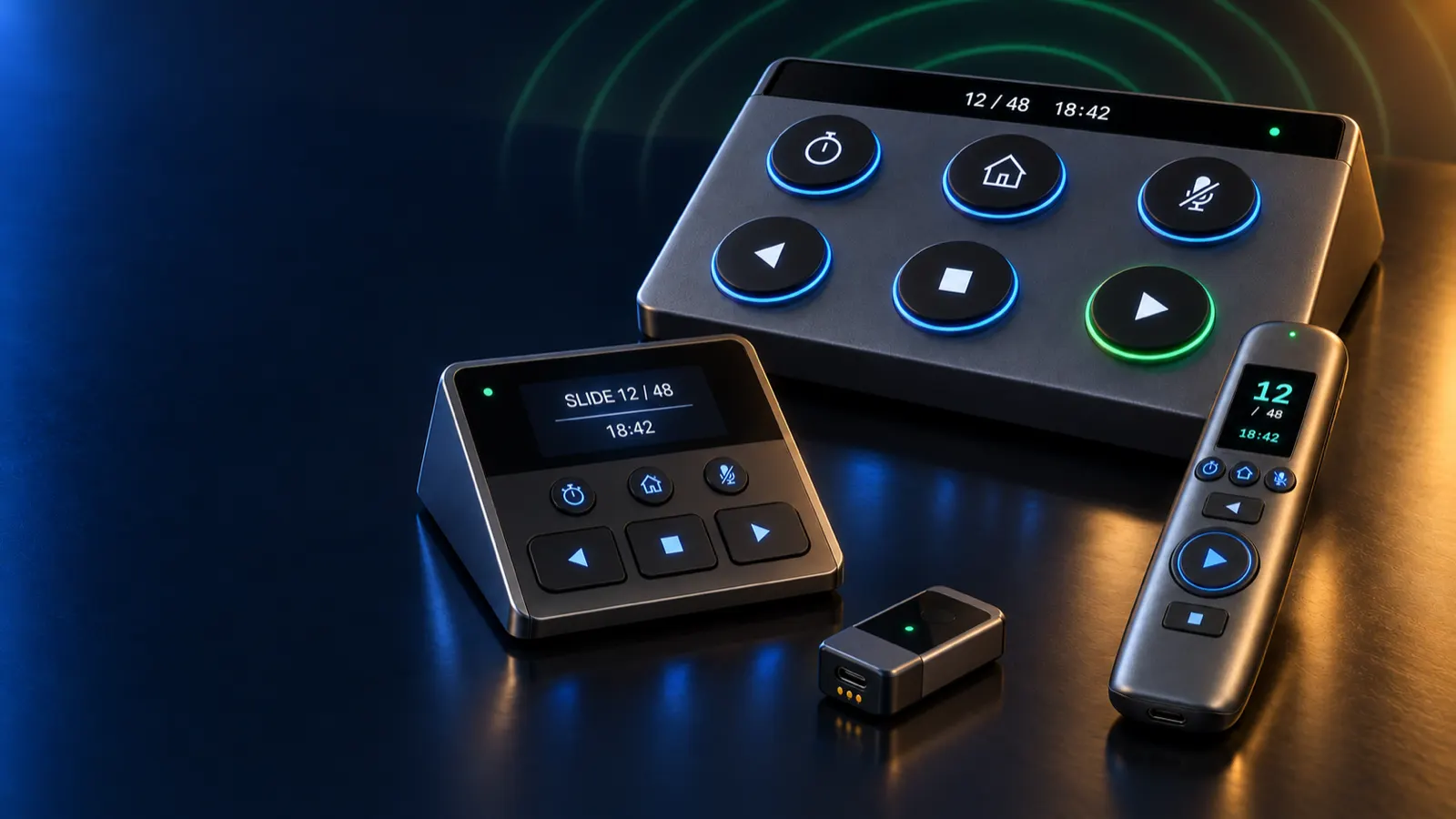
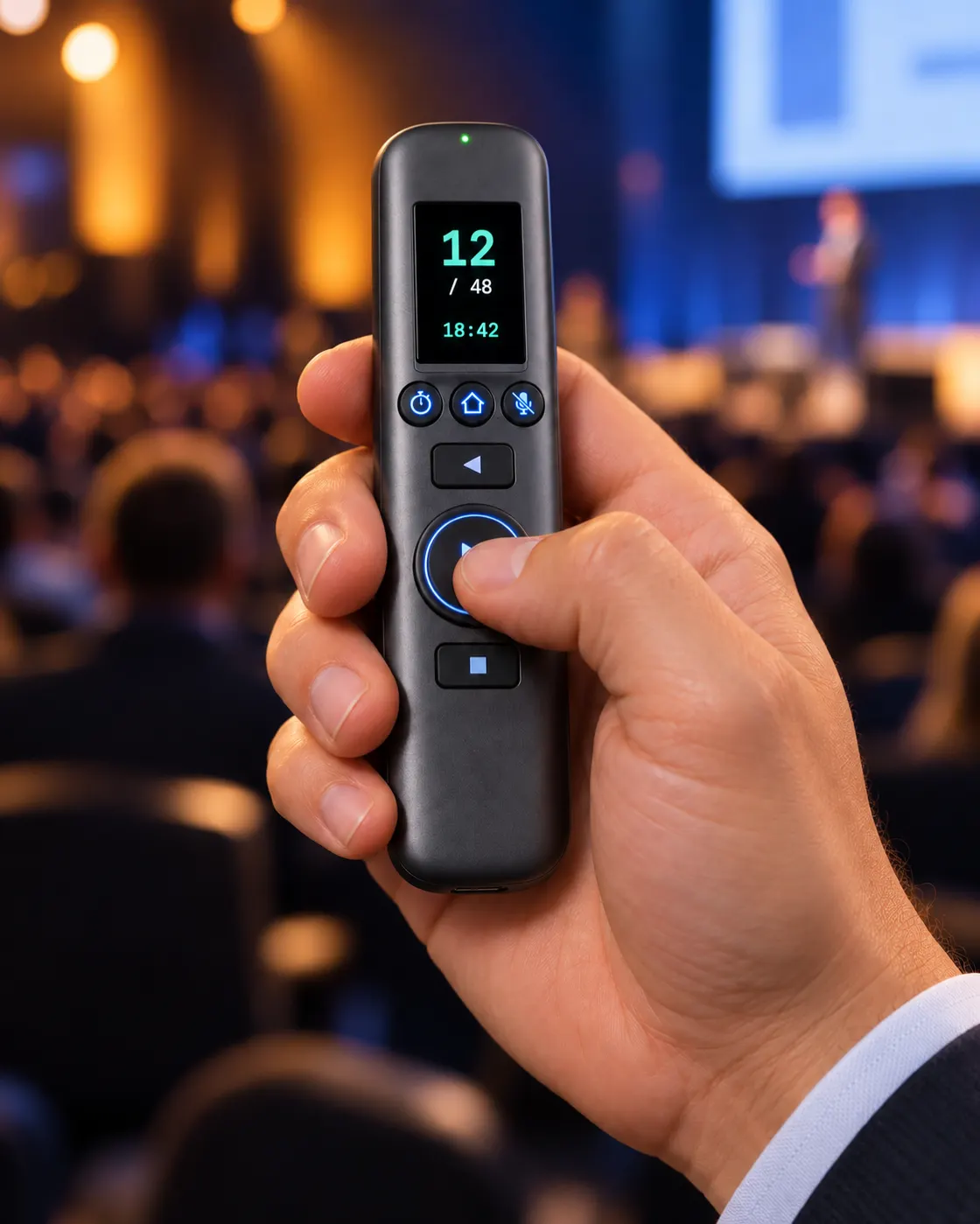
Handheld
For speakers who move.
A slim stick that rests in a relaxed fist with your thumb on NEXT. Each key has its own shape, so you find it without looking. The screen in the tip shows your slide and the time.
- Battery
- Up to 58 h presenting
- Weight
- About 75 g
- Screen
- 1.14″ colour
- Keys
- Next, back, blank + 3 programmable
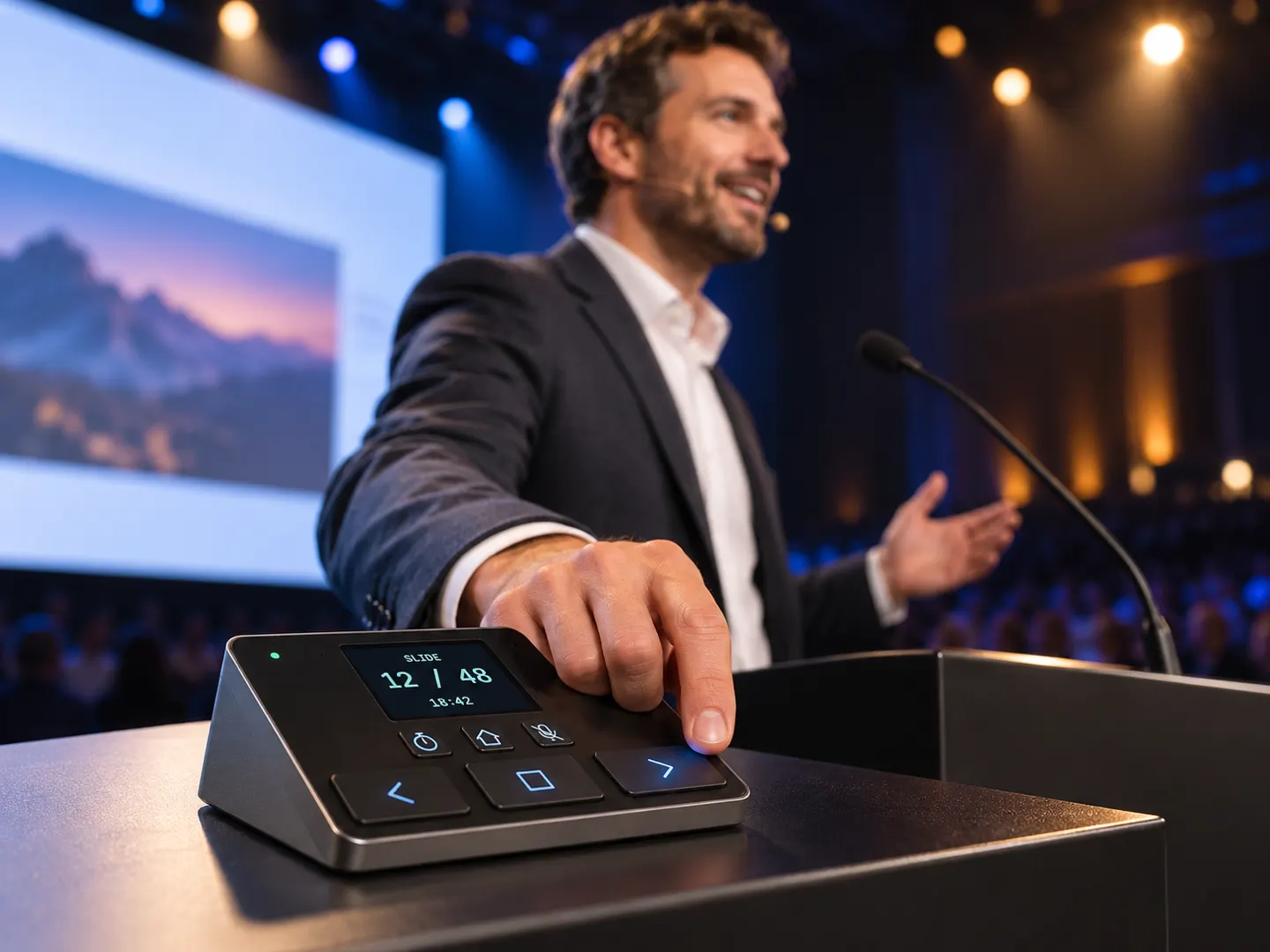
Pulpit
For lecterns and pulpits.
A low wedge that sits next to your notes, tilted so you read the screen standing up. Silent keys the microphone won't pick up, and magnetic feet that hold on steel lecterns.
- Battery
- Up to 143 h presenting
- Power
- Also runs on USB-C
- Screen
- 2.4″ colour
- Keys
- Silent, + 3 programmable
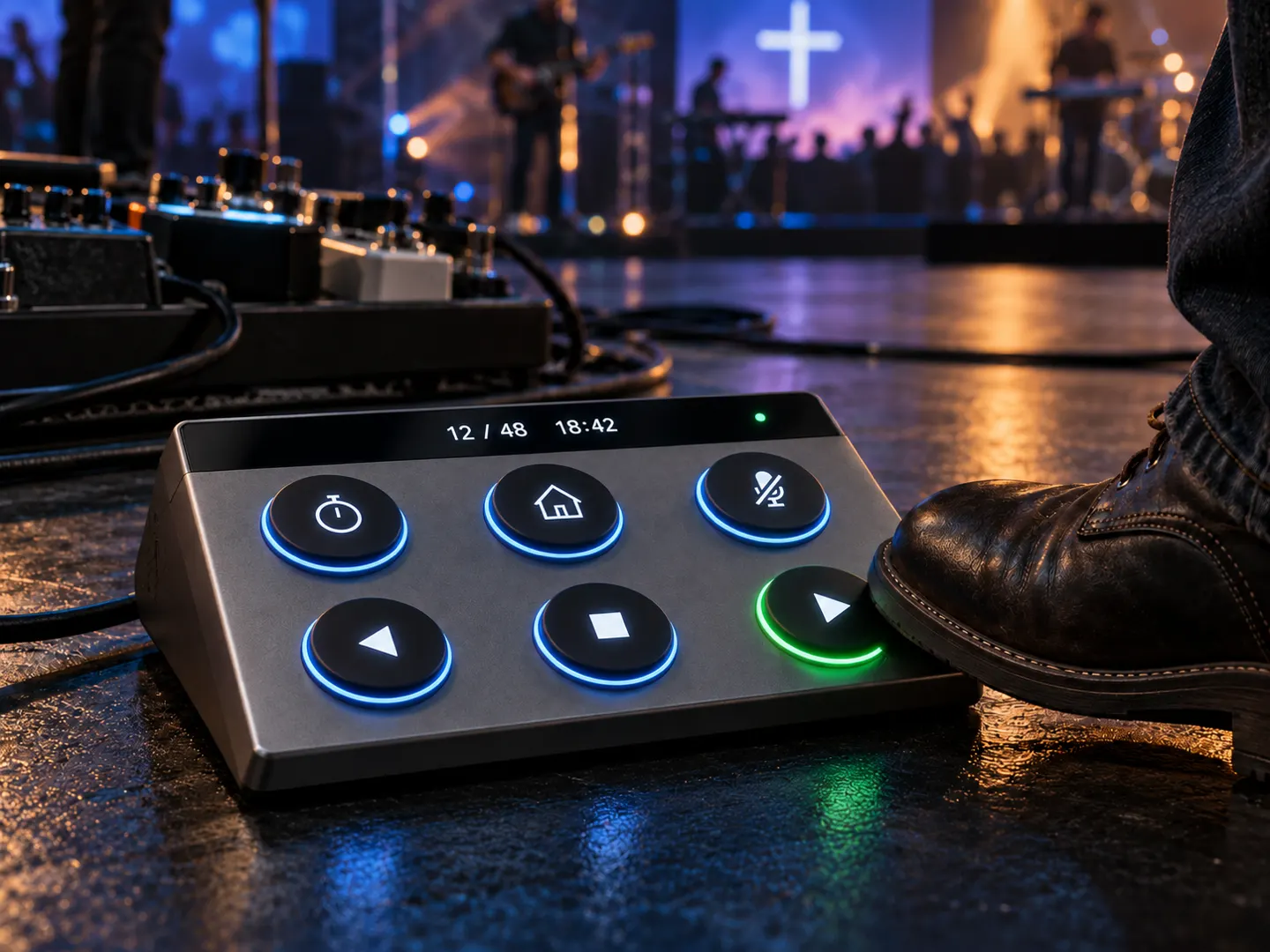
Pedal
For hands-free cues.
Musicians, worship leaders and live demos keep their hands free. Three foot plates for back, blank and next, three stomp switches for your own shortcuts, and a display that faces up at you.
- Battery
- Up to 159 h, unlimited on a supply
- Power
- USB-C or 5–12 V jack
- Build
- Aluminium, splash-proof
- Controls
- 3 foot plates + 3 stomp switches
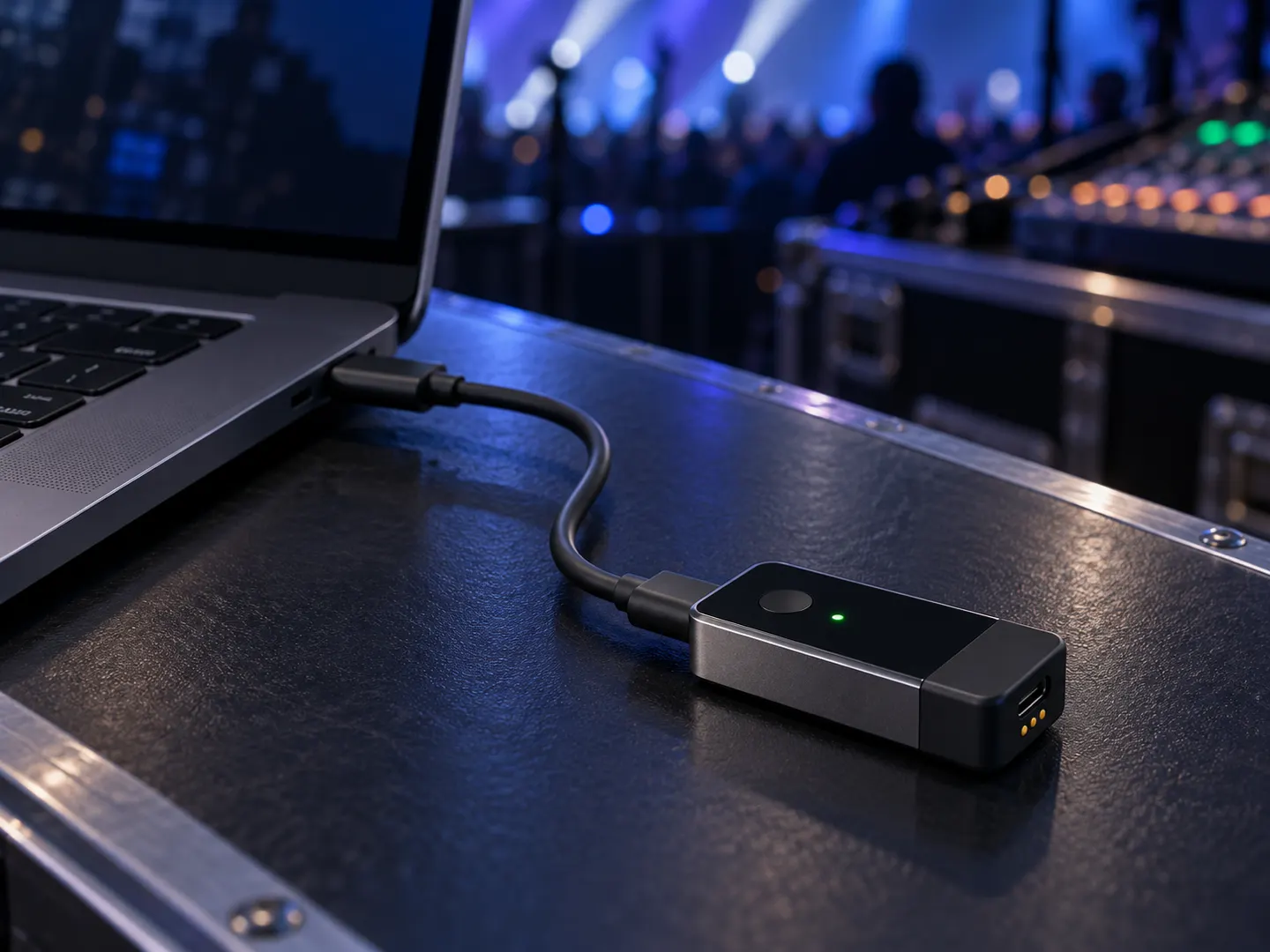
The receiver plugs in. That's the setup.
Smaller than most USB sticks. Plug it into USB-C, directly or on its short cable, and up to five remotes are ready.
Press next. Feel it land.
Other clickers send and hope. CueFar waits for the computer to answer, then tells your hand.
Ready
Slowed down so you can follow it. On the prototype the round trip takes 73 ms.
One buzz: the slide changed.
Two buzzes: the computer got it but nothing changed, for example on the last slide.
Three buzzes: it didn't arrive. Press again.
Charge it once a week. Or once a month.
A full conference day uses about a seventh of the Handheld's battery. The batteries are standard cells you can swap in seconds.
Swap, don't wait
Standard rechargeable cells you can buy anywhere. Open the door, swap, and you're back in two seconds with your slide and timer intact.
Three ways to charge
USB-C, a magnetic charging cable that snaps on, or the Pedal's 5–12 V jack. The Pulpit and Pedal can run plugged in all day.
Always know
Battery level on every remote's screen, and all remotes at a glance in the CueFar app.
Hours of presenting with the screen dimming between presses. Design targets for the production devices, to be confirmed by measurement before shipping.
Plug in and present. Add the app for more.
To your computer the receiver is a keyboard, so it works everywhere straight away. The app is there when you want the extras.
No software, no drivers
Plug in the receiver on macOS, Windows or Linux and change slides in any app that uses the arrow keys.
- PowerPoint
- Keynote
- Google Slides
- PDF viewers
- macOS
- Windows
- Linux
With the CueFar app
Set it up for ProPresenter, Microsoft PowerPoint or Keynote and get the advanced features.
- Slide number on your remote
- ProPresenter
- Programmable keys
- Countdown timer
- Name each remote
- Battery of all remotes
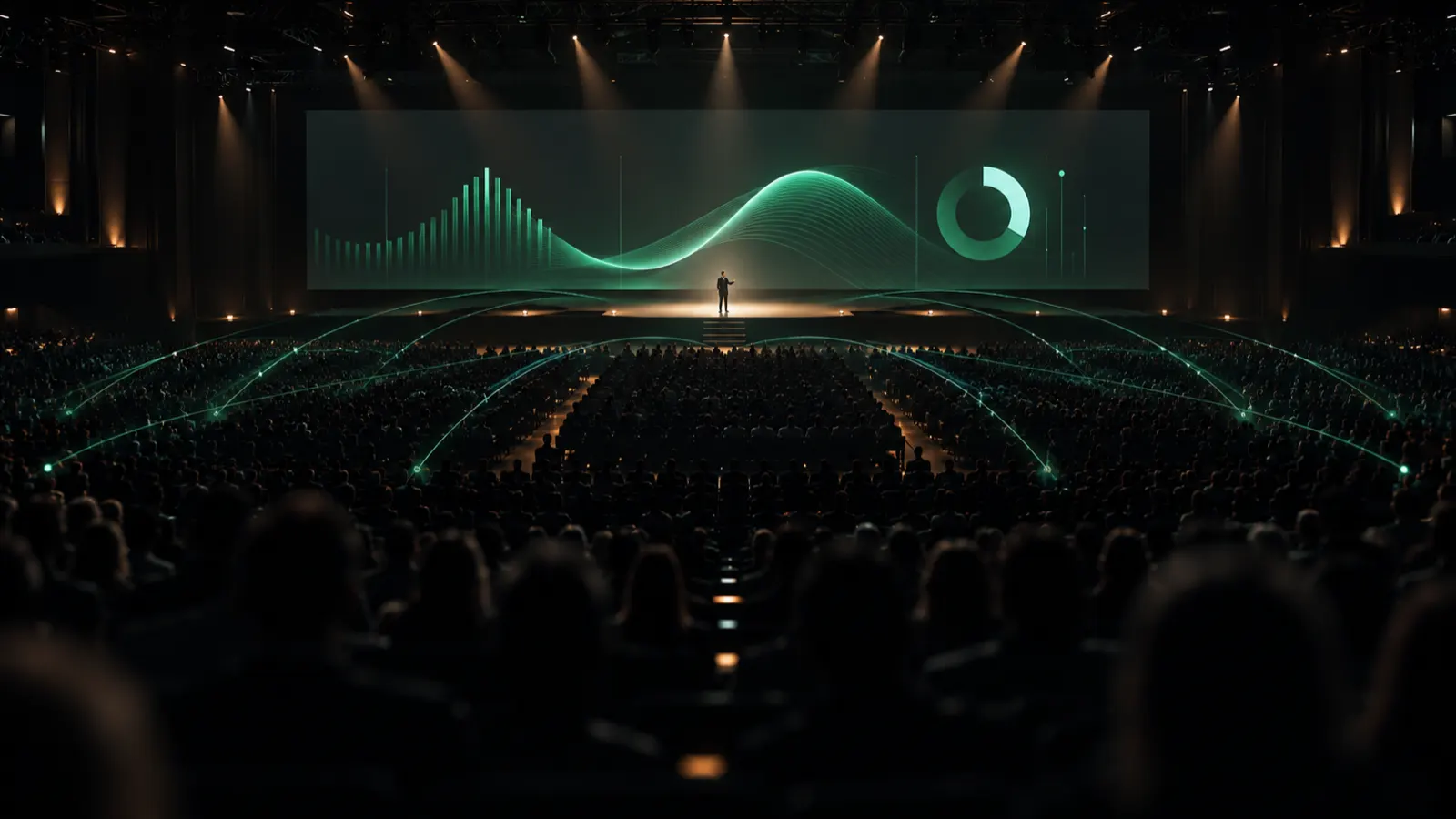
Most clickers stop at 30 metres and never tell you if they worked.
In a full room the usual clicker radio competes with every phone and laptop. You press, nothing happens, you press again, and two slides fly past.
| Feature | Typical clicker | CueFar | Pro cue system |
|---|---|---|---|
| Range | 10 to 30 m, line of sight | 100 m indoors, through walls and floors | Long, with a base station |
| Did it work? | You look back at the screen | A buzz in your hand | Light on the remote |
| Remotes per receiver | 1 | Up to 5 | Several |
| Slide number in hand | No | Yes, plus timer | Some models |
| Price | €30 to €130 | €249 to €349 | From about €950 |
Made for the talks you can't repeat.
Only your slides
Remotes are paired with their receiver and every command is encrypted, so nobody in the audience can take over.
Quiet on stage
Soft and silent keys that stage microphones don't pick up.
Safe updates
New features arrive as signed updates. The remote refuses anything that isn't from us.
Europe and the US
A version for each region, each on the radio band that's licence-free there.
Specs
| Spec | Handheld | Pulpit | Pedal |
|---|---|---|---|
| Size | 125 × 34 × 20 mm | 150 × 95 × 38 mm | 240 × 125 × 40 mm |
| Weight | About 75 g | About 300 g | About 450 g |
| Screen | 1.14″ colour | 2.4″ colour | 2.25″ bar display |
| Controls | Next, back, blank, 3 programmable keys | Silent next, back, blank, 3 programmable keys | 3 foot plates, 3 stomp switches |
| Confirmation | Vibration | Vibration | Vibration and light bars |
| Battery | Swappable 14500 cell, up to 58 h | Swappable 18650 cell, up to 143 h | Swappable 18650 cell, up to 159 h |
| Charging | USB-C, magnetic cable | USB-C, magnetic cable, runs on USB | USB-C, magnetic cable, 5–12 V jack |
| Range | Designed for 100 m indoors without line of sight, through walls and floors | ||
| Receiver | USB-C, up to 5 remotes, works as a keyboard: no driver on macOS, Windows, Linux | ||
| Radio | LoRa long-range radio: 868 MHz in Europe, 915 MHz in the US. Round trip 73 ms on the prototype. | ||
| Security | Pairing, encrypted commands, signed updates | ||
Figures from the hardware design and the working prototype; final specs are published before the first units ship. Product pictures are renders of the planned production design.
Reserve one of the first 100.
Put down €50 to hold a CueFar from the founding batch. You're backing the first production run, and we build it with your feedback.
- €50 comes off the price when your unit is ready.
- Change your mind any time before it ships and you get all €50 back.
- Founding batch price, below the launch price.
- Early firmware and a direct line to the people building it.
Questions
How far does CueFar reach?
CueFar is designed for 100 metres indoors without line of sight: from the back of a large hall, through walls into the next room, and between floors. In a walk test across five floors of a building, the prototype delivered 94% of commands at reduced transmit power. We'll publish full range tests before anything ships.
How many remotes can use one receiver?
Up to five, in any mix of Handheld, Pulpit and Pedal. Each is paired separately, and every press is confirmed to the remote that sent it.
Do I need software or drivers?
No. The receiver works as a keyboard on macOS, Windows and Linux, so PowerPoint, Keynote, Google Slides and PDF viewers work straight away. The free CueFar app adds the slide number on your remote, ProPresenter, PowerPoint and Keynote integration, and programmable keys.
How long does the battery last?
Our design targets: Handheld up to 58 hours of presenting, Pulpit up to 143 hours, Pedal up to 159 hours, or unlimited on a power supply. The batteries are standard cells you can swap in seconds.
Does it work in the US?
Yes. There are versions for Europe and for the US, each on the licence-free radio band of that region.
Can someone in the audience take over my slides?
No. Your remotes are paired with your receiver, and every command is encrypted and signed. Other remotes and radio tools are ignored.
Can I get my €50 back?
Yes, at any time before your unit ships. Send one email and the full €50 goes back to your card.
When does it ship?
We're finishing the production design and certification now. Reservation holders hear first and get a firm date before anything ships.
Want to try it at your venue?
We're looking for event companies, congress centres, churches and speakers who'll put the prototype through a real show. Ask us anything, or tell us about your building.